The native Mac app for reseller product photography. Use your iPhone as a Mac camera via Continuity Camera — or any built-in or USB camera. One spacebar press captures, auto-crops to square, and saves to a folder. 25–50 minutes saved per listing session.
Features
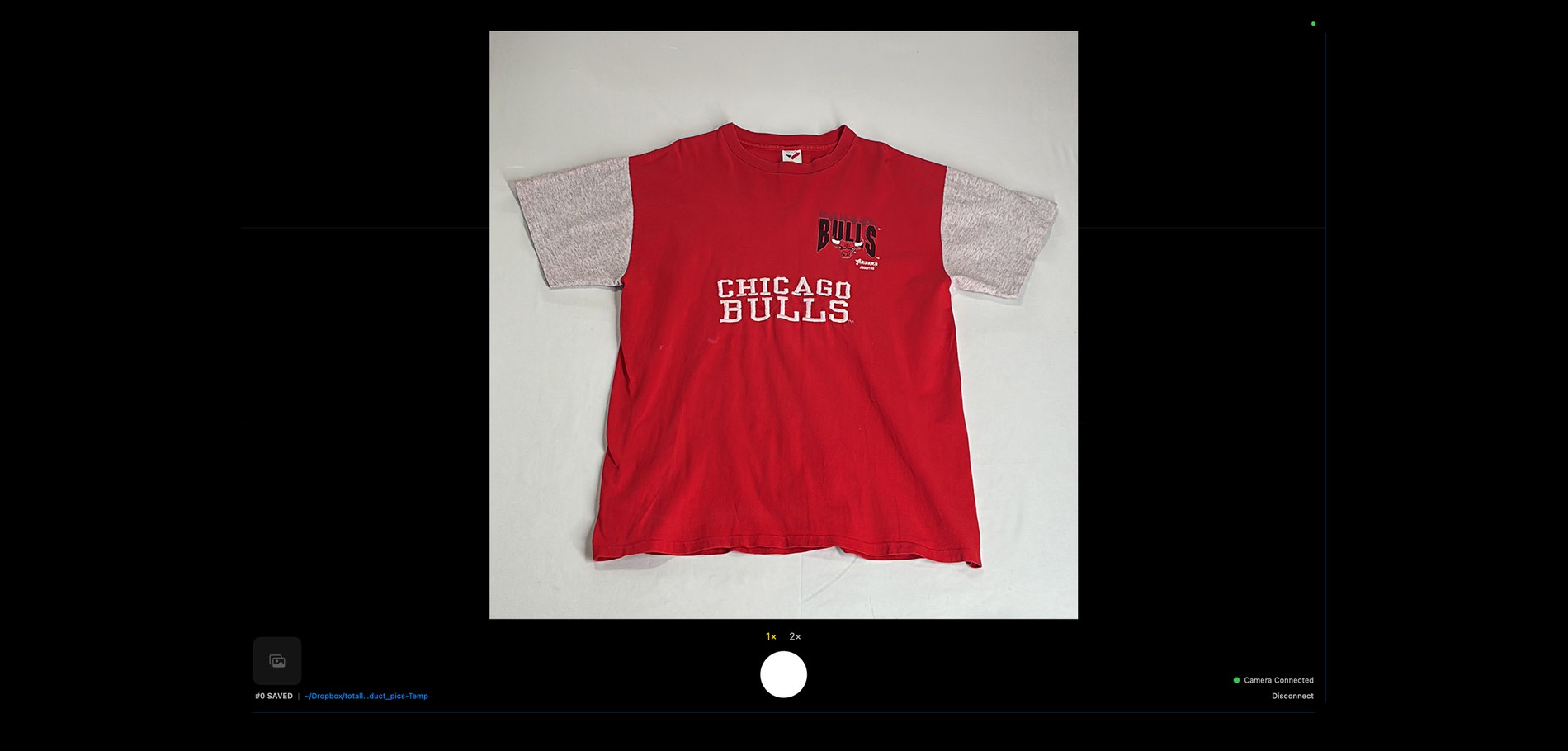
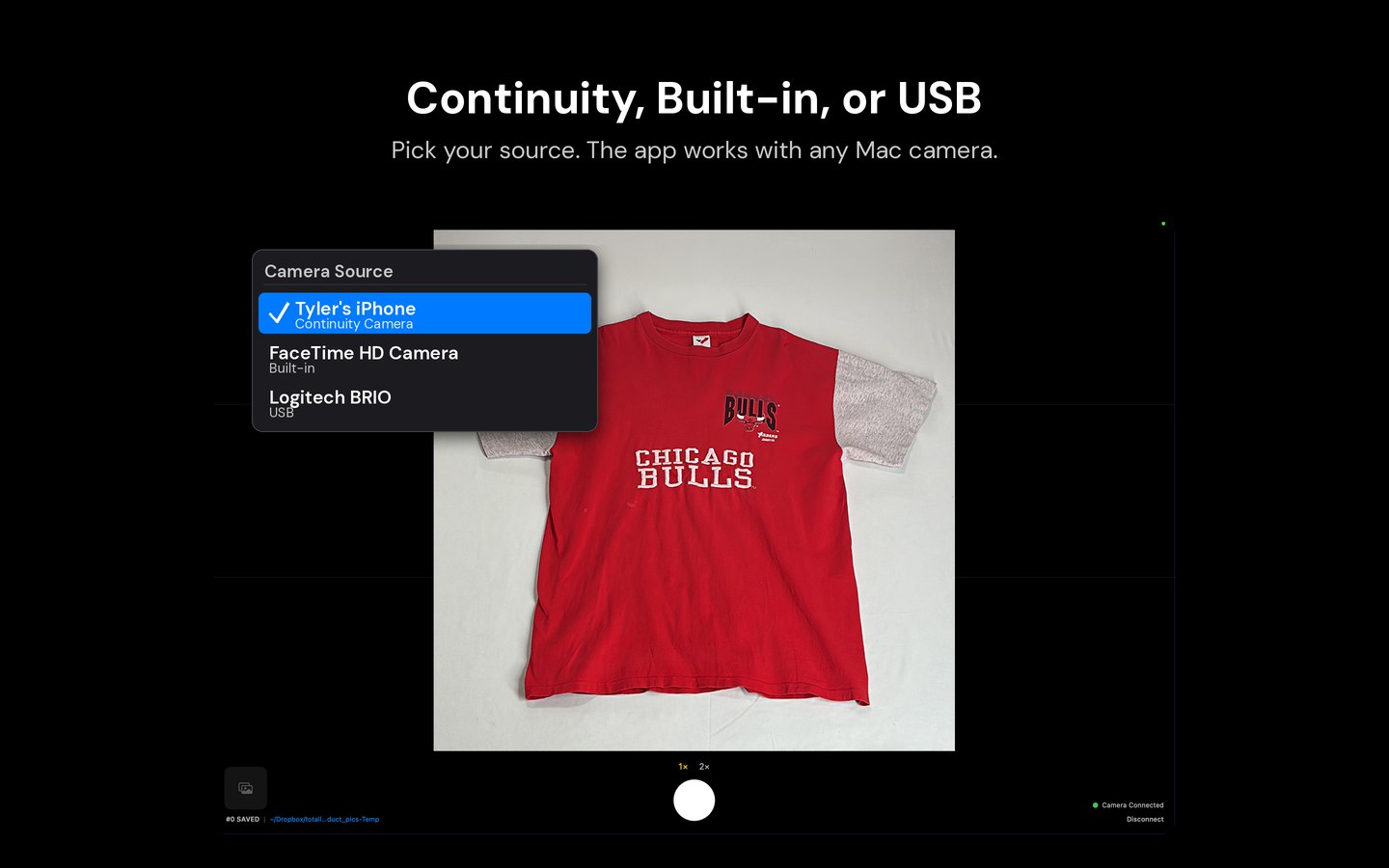
Use your Mac’s built-in camera, any USB camera, or your iPhone via Continuity Camera — no cables, no AirDrop, no pairing. Just open the app and the live preview appears.
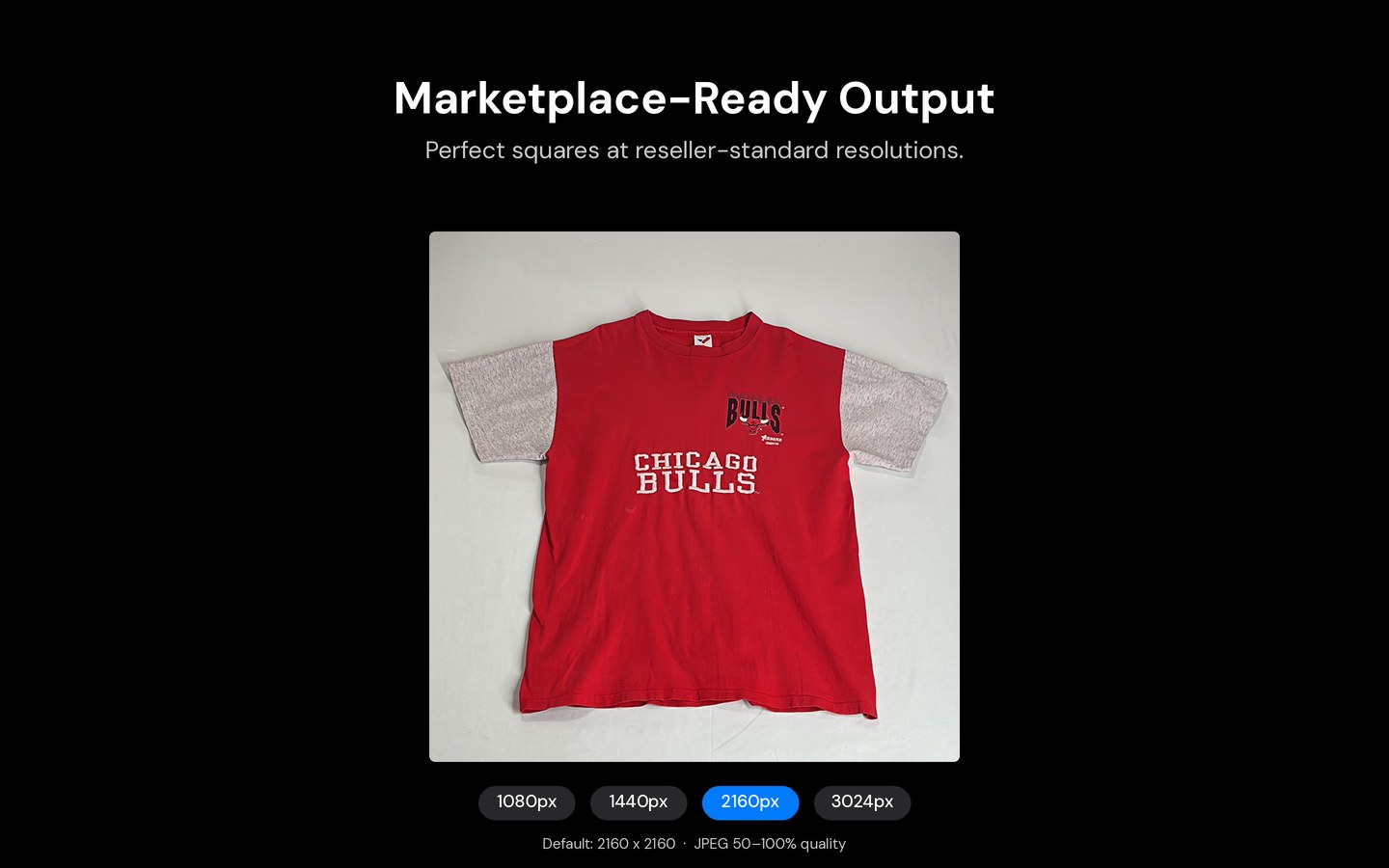
Every photo auto-cropped to a 1:1 square. Four size presets: 1080, 1440, 2160, or 3024px. Marketplace-ready the instant you capture.
Hit spacebar. Captured, cropped, and saved in 60–120ms. Shot counter increments, thumbnail updates. Your hands never leave the keyboard.
Toolbar menu to switch cameras, look for iPhone again, or disconnect. When Continuity flakes, you’ve got a one-click path back — or onto your built-in camera in the meantime.
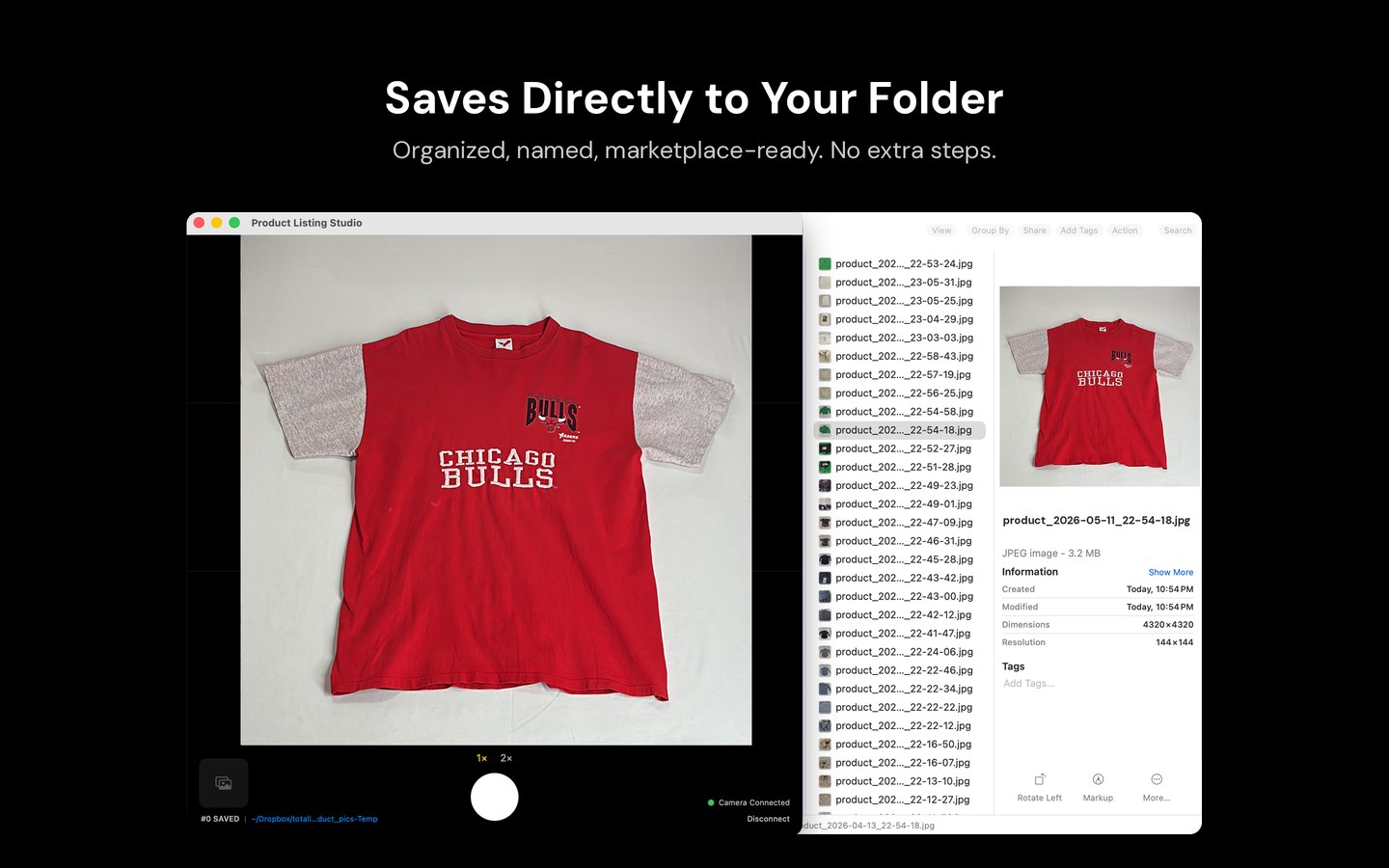
Pick any folder — photos save there instantly as JPEGs. Change folders with ⌘⇧O. Reveal in Finder with ⌘R. JPEG quality adjustable from 50–100%.
1x or 2x zoom for detail shots. Toggle between full product and close-up without moving.
How It Works
Set the item in front of your camera. The live preview appears on your Mac instantly with a rule-of-thirds grid for precise composition.
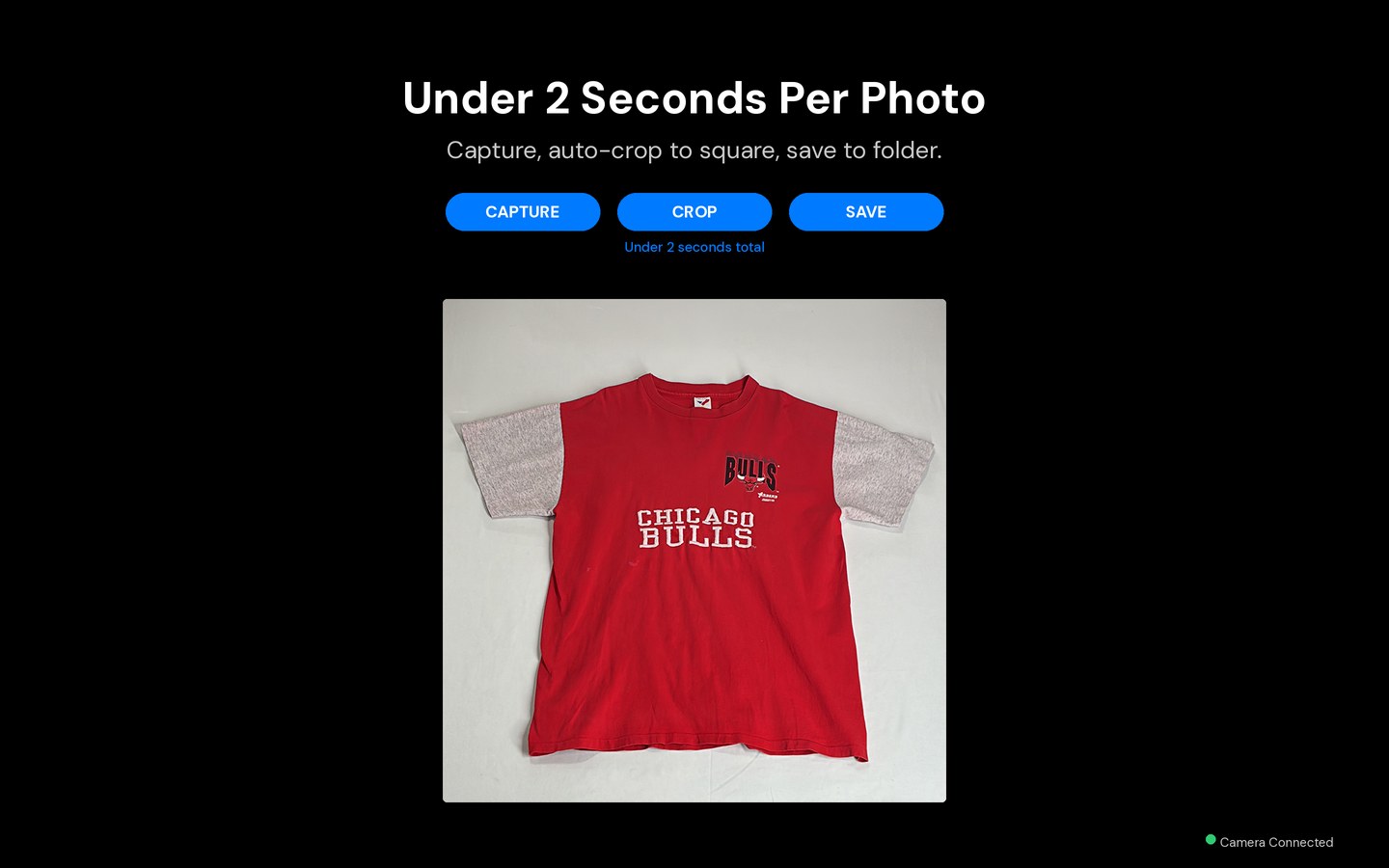
One keypress. Photo captured, auto-cropped to square, saved as JPEG to your chosen folder. Shot counter and thumbnail update in real time.
Drag photos directly from Finder into your listing. No editing, no resizing, no renaming. Marketplace-ready on every platform.
Screenshots
Built For Resellers
iPhone as Mac Camera
Continuity Camera turns any modern iPhone into a wireless webcam for your Mac — no cables, no AirDrop, no pairing dance. Product Listing Studio is built around that connection so you can shoot listing photos straight from your desk.
Sign your iPhone and Mac into the same Apple ID with Wi-Fi and Bluetooth turned on. They don't need to be on the same network. Requires iPhone XR or later on iOS 16+ and macOS 14 or later.
Launch the app on your Mac. Your iPhone shows up automatically in the toolbar Camera menu within a few seconds. Built-in and USB cameras appear alongside it.
Use a tripod, phone clamp, or the official Belkin Continuity Camera mount. Rear cameras face the product. The live preview appears on your Mac with a rule-of-thirds grid for composition.
Hit ⌘⇧O to choose a destination. Photos save there as JPEGs instantly. Press ⌘R any time to reveal the folder in Finder.
One keypress captures, auto-crops to a 1:1 square, and saves the file. Under 2 seconds end-to-end. Shot counter and thumbnail update so you can keep your eyes on the product.
Open Finder and drop photos into eBay, Poshmark, Mercari, Depop, Etsy, Grailed, Whatnot, or Facebook Marketplace. No editing, no resizing, no renaming.
FAQ
Sign into the same Apple ID on both devices, turn on Wi-Fi and Bluetooth, and open Product Listing Studio. Your iPhone appears as a camera option in the toolbar within seconds via Continuity Camera — no cables, AirDrop, or pairing required. Works with iPhone XR or later running iOS 16+ on macOS 14 or later.
Continuity Camera is Apple's feature that lets your iPhone act as a wireless webcam for your Mac. Hold your iPhone in landscape, rear cameras facing your subject, within Bluetooth range of your Mac. Supported apps detect it automatically. Product Listing Studio is built around it and falls back to your built-in or USB camera if the connection drops.
Product Listing Studio is a native macOS app built specifically for resellers. It captures, auto-crops to a 1:1 square, and saves marketplace-ready JPEGs to a folder in under 2 seconds per photo. It works on eBay, Poshmark, Mercari, Depop, Etsy, Facebook Marketplace, Grailed, and Whatnot. One-time $7.99 — no subscription, no account.
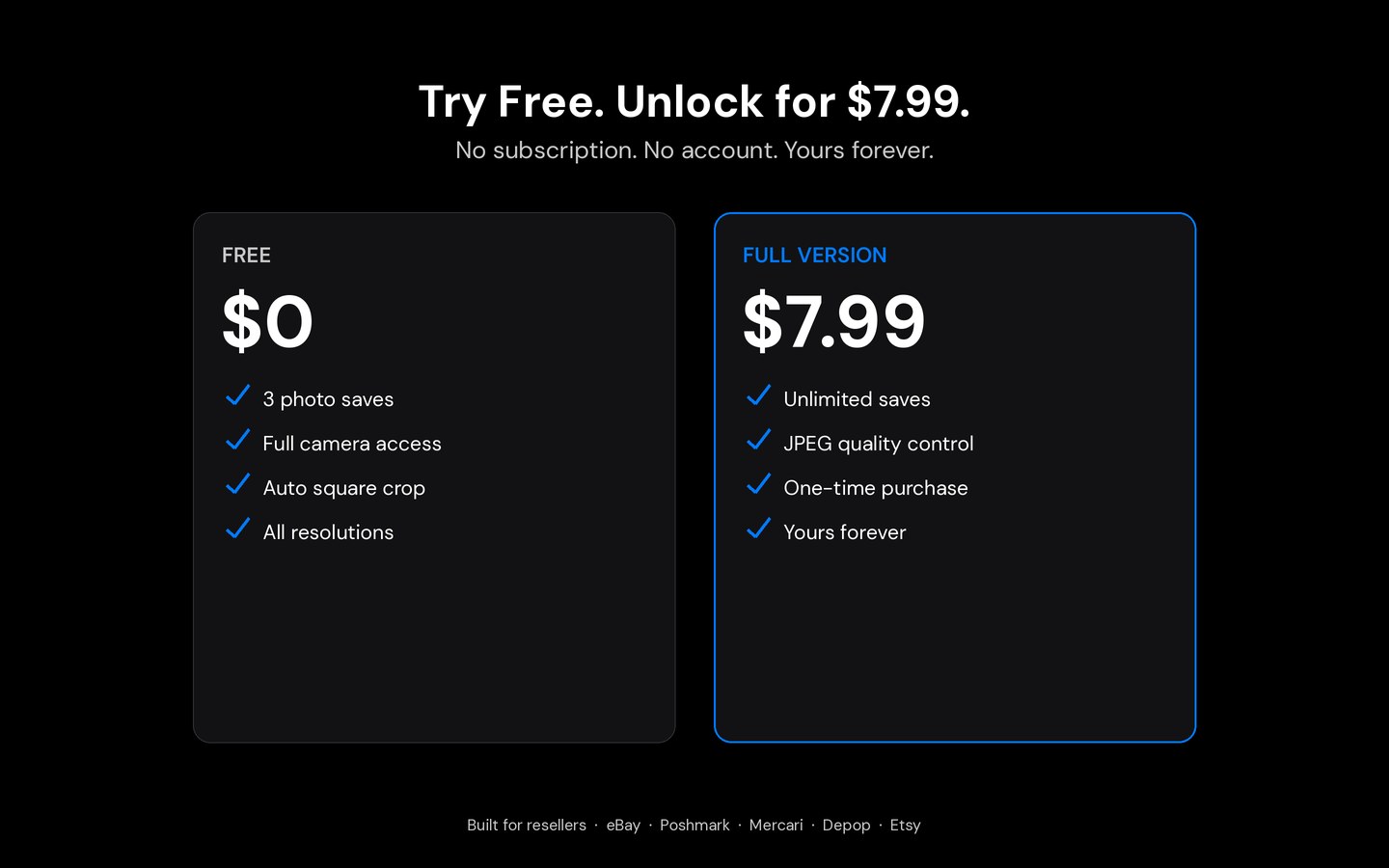
No. Product Listing Studio is a one-time $7.99 purchase on the Mac App Store. Try it free with up to 3 saved photos, then unlock everything. All future updates included.
Yes. The app works with your Mac's built-in FaceTime HD camera, any USB camera, or your iPhone via Continuity Camera. Switch between them from the toolbar Camera menu at any time.
Each capture takes 60–120 milliseconds — under 2 seconds end-to-end including composing. For a typical 20-photo listing session, that's 25–50 minutes saved compared to shooting on a phone and transferring via AirDrop or cable.
Photos save as 1:1 square JPEGs in 1080, 1440, 2160, or 3024 pixels — every size meets or exceeds requirements for eBay, Poshmark, Mercari, Depop, Etsy, Grailed, Whatnot, and Facebook Marketplace. JPEG quality adjustable 50–100%. No resizing or renaming needed.
macOS 14.0 (Sonoma) or later. For wireless iPhone capture: iPhone XR or later running iOS 16+ on the same Apple ID. Works with the Mac's built-in camera or any USB camera with no extra requirements.

Pricing
No subscription. No account. No strings.
Try free with 3 saved photos. Unlock everything for $7.99 — one-time, yours forever.
View on the App Store